Create
Rednote posts
From a spark to a finished post
- Input
- Share your experience building an indie app after work
- Output
- An opening hook, body copy, a closing line, and hashtags
A little less work. A little more life.
Turn everyday routines into task cards. Pick one, add your details, and go from an idea to a finished result, right on your phone.
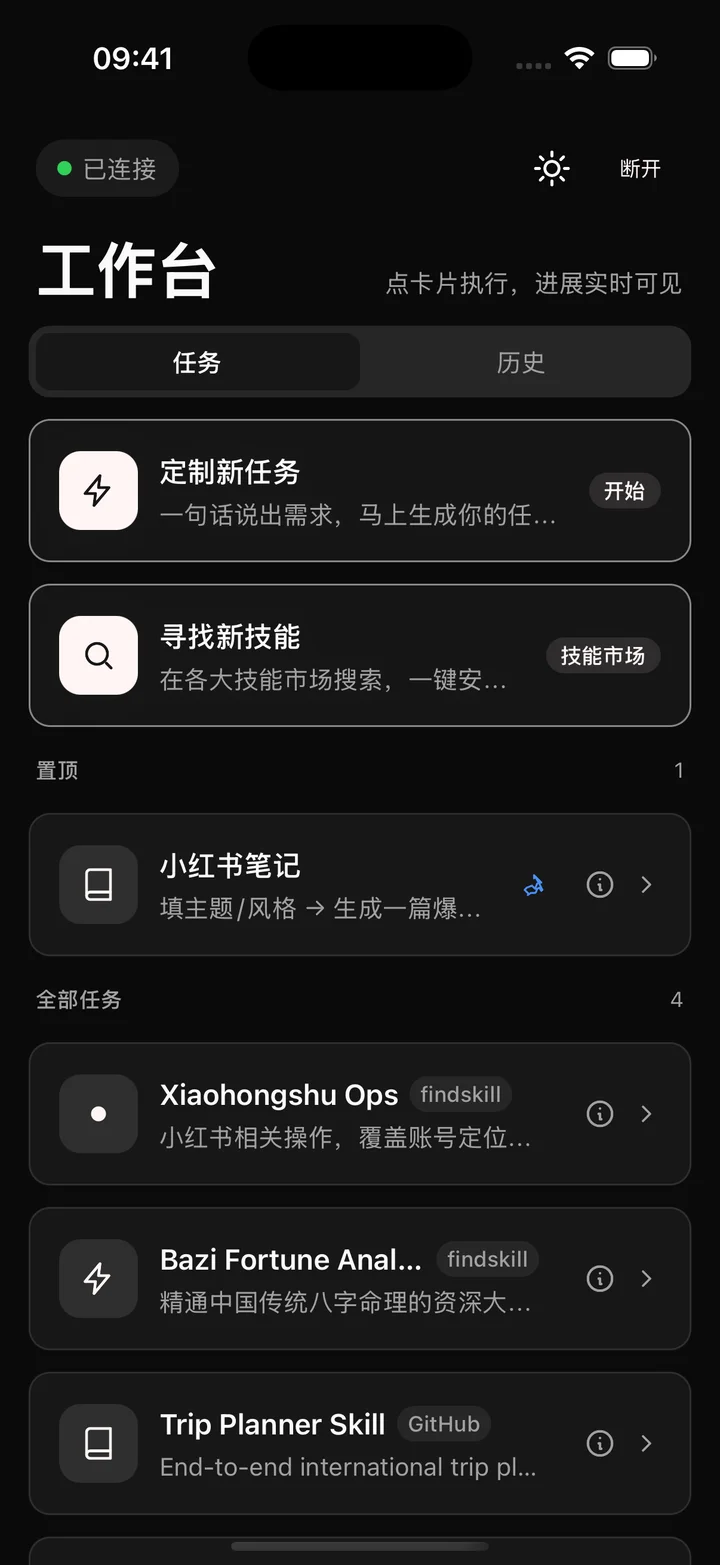
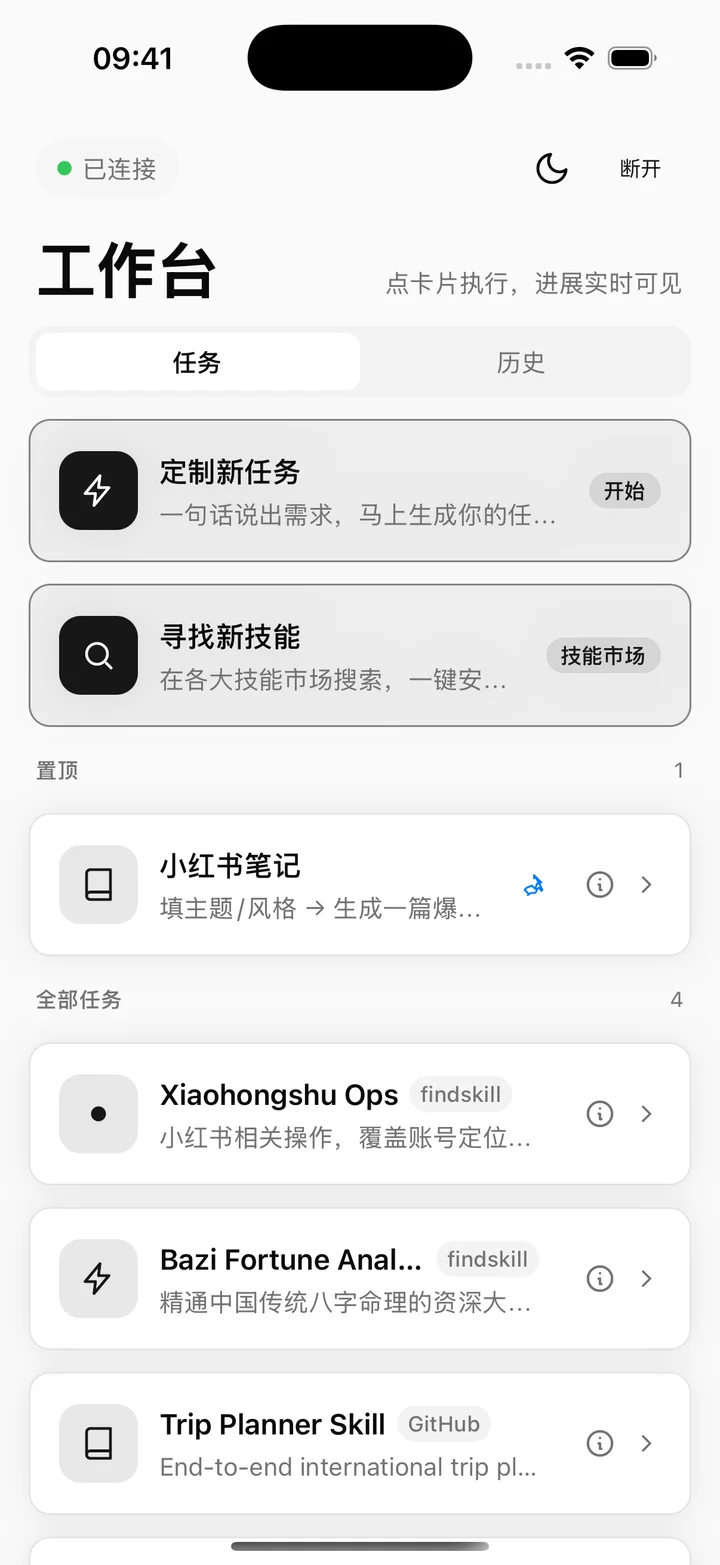
No need to write a prompt from scratch. Your usual workflows are already in the cards.
From a spark to a finished post
Long reads. Clear takeaways.
Turn your numbers into next steps
Your routine. Your own card.
Examples use existing task templates. Available tasks and results depend on your connected service and installed skills.
Once connected, just pick a card, add your details, and check the result.
After receiving a beta invitation and installing the app, use your access code to connect.
Choose a card, add a topic, link, or reference material, and adjust the options.
Follow progress in the conversation, then open the result. Preview and share any files your task creates.
Skills
Need something new? Discover a skill, or describe your workflow to create a personal task card.
About the betaSearch by what you want to do. Read the description and check the source.
Review what a skill does and its risk notices to see if it fits your needs.
Find the task card after installation. Some skills require external services to be configured.
Every task card has its own workspace. Generated files stay organized by task.
File types depend on the task
Preview text, images, and supported files without digging through conversation history.
Use the share sheet to save to Files or send with AirDrop, or create a link to a workspace file.
Your input is sent to your connected service, where task history and files are stored. If a task uses external models or tools, relevant content is also processed by those services.
Read the privacy policyMade for the things you actually do
The iOS beta waitlist is open. Tell us what you want to do, and get installation and connection details.
Request an invitationTell us about your task and iPhone model. We will get back to you by email.
Everyday use is about choosing cards, adding details, and viewing results. You will need to install the app and connect to an available service first. The beta includes setup instructions.
Existing templates cover content creation, link summaries, and business analysis. You can also create custom tasks. Available cards depend on your service and installed skills.
The app is your mobile interface. Your connected service runs the tasks, so starting a task and checking the latest results require an internet connection.
You can request a beta invitation by email. Details will be provided with your invitation. Connected services, models, or third-party tools may charge their own fees.
Some skills need additional accounts, models, or tools. Read the description and risk notices before installing, and check that the requirements are met.
Open the workspace from a task card, or view the files after a conversation finishes. Supported files can be previewed or exported with the share sheet.
The iOS beta waitlist is open, but there is no public download yet. Request an invitation by email with your intended task and phone model for further details.